iPhone photo add: ~22 seconds → a quarter of a second
Lane B2 · every iPhone HEIC photo used to make a full round-trip to the hosted GPU photo engine just to decode the format. Now it's decoded on the phone, instantly. Real measurements below — no modelling.
Real before / after — wall-clock to a usable photo
| iPhone HEIC photos added | Before (hosted engine decode) | After (on-device decode) | |
|---|---|---|---|
| 1 photo | 23.8 s | 0.25 s | 95× faster |
| 3 photos | 69.3 s | 0.76 s | 91× faster |
| 6 photos | 143.8 s (≈2.4 min) | 1.60 s | 90× faster |
Before = live round-trips to the real photo engine (the exact call each HEIC add made), at the app's 4-at-a-time concurrency. After = the real shipped Web-Worker decoder running in headless Chromium with an iPhone profile, on a realistic 12-megapixel iPhone photo (median of 3 runs). The upload-to-storage step is identical in both and is excluded — the entire difference is the decode stage.
Where the ~22 seconds went
Breaking a single HEIC add into stages (real timing of the live call): the wait is entirely the engine request. Nothing is on the phone, the network, or the transfer.
| Read file + detect HEIC (on phone) | < 5 ms | |
| DNS + connect + TLS to engine | 60 ms | |
| Upload the photo (303 KB) | < 100 ms | |
| Engine: queue + GPU decode + full enhance | ~23.8 s | |
| Response payload (484 bytes) | < 5 ms |
The engine ran its entire GPU enhancement pipeline (angle-correct, lighting, six variants) and we threw all of it away except the plain decoded photo. A cold engine was worse still — one measured start took 62.7 s. The fix skips the engine completely for a plain add.
Quality & orientation — unchanged, proven
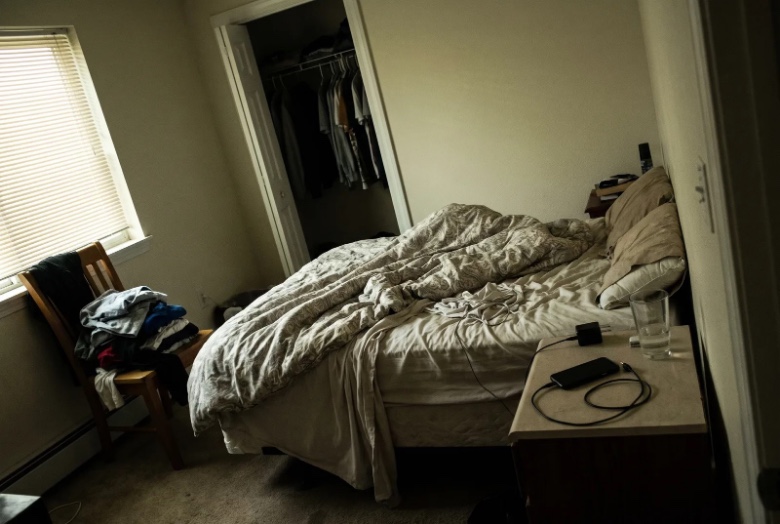
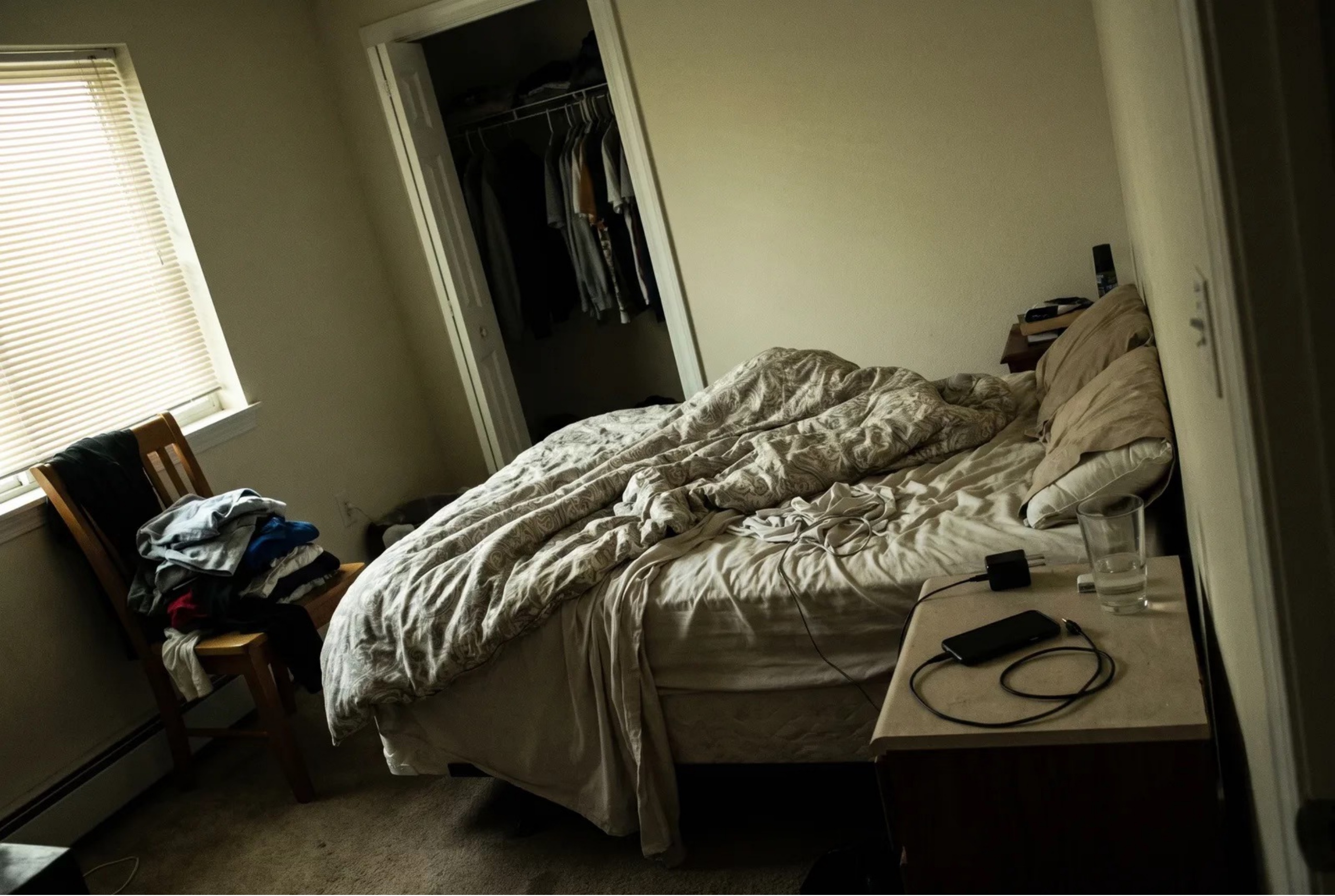
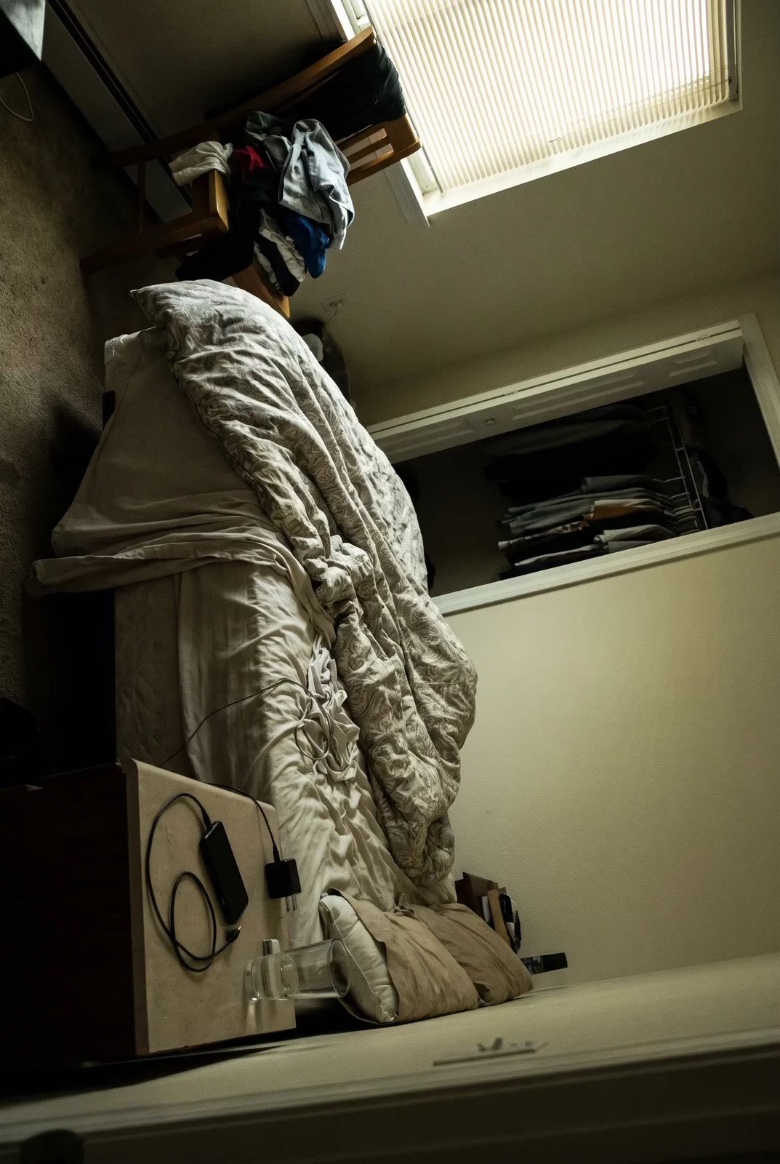
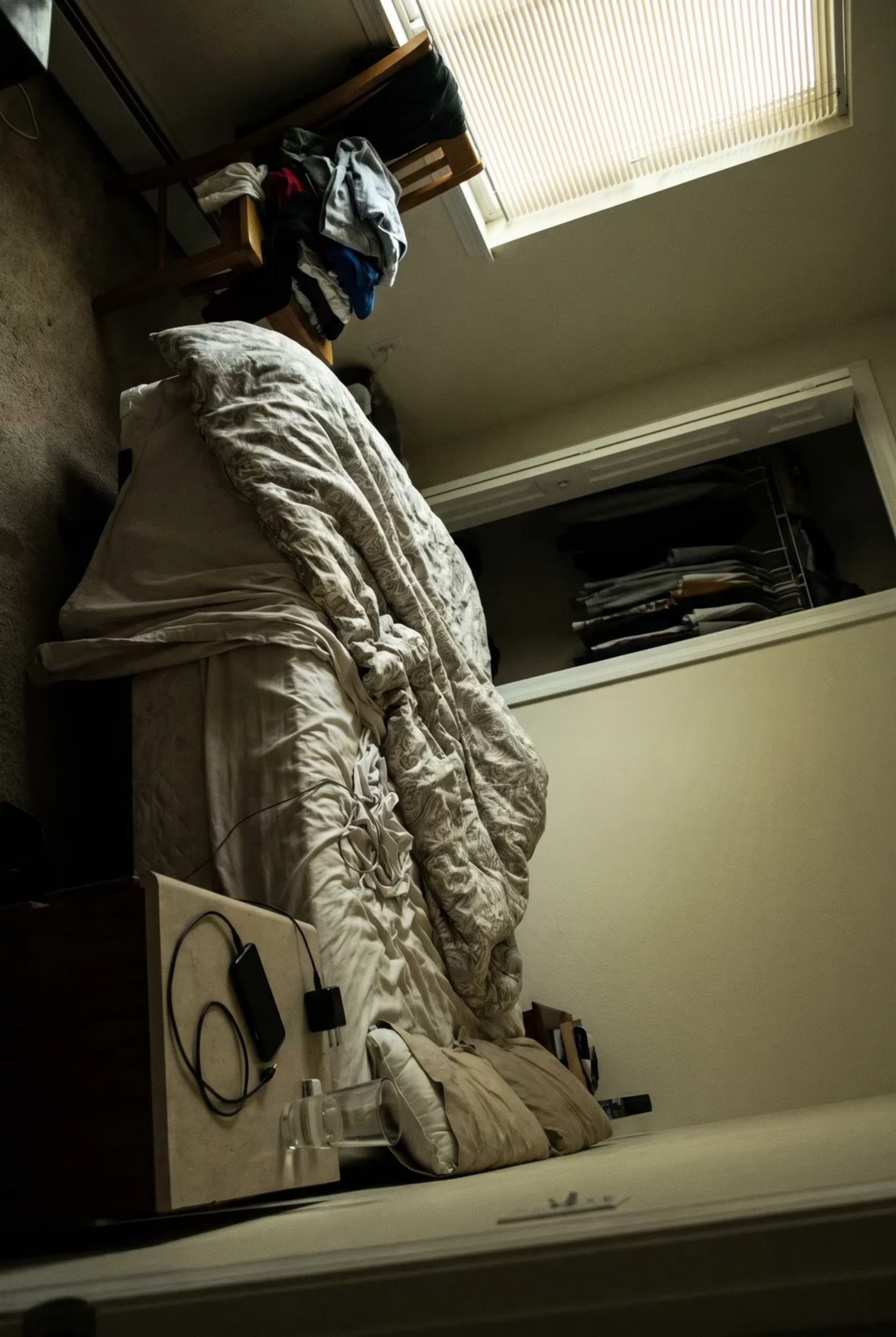
The decoded photo rendered in the listing at phone width (390 px) and desktop width (1280 px), portrait and landscape. Upright, true colours, full detail. orientation verified vs Apple's own decoder to 0.7/255
What stayed exactly the same
- Adding a photo never auto-opens the Photo Polish dialog — still wand-only.
- The “AI-Enhanced” disclosure badge (CA AB-723) is untouched.
- Photo Polish background queue, progress rings, on/off toggles, accept/adjust — all intact.
- #459's 4-at-a-time parallel batch upload — intact; photo order and error handling preserved.
- Older browsers without the on-device decoder automatically fall back to the old engine path — never worse off.
Decoder: libheif compiled to WebAssembly (~1 MB, loaded only when an iPhone photo is added), run in a Web Worker so the app never freezes. td-lane-b2 proof build.